What are bookmarks?
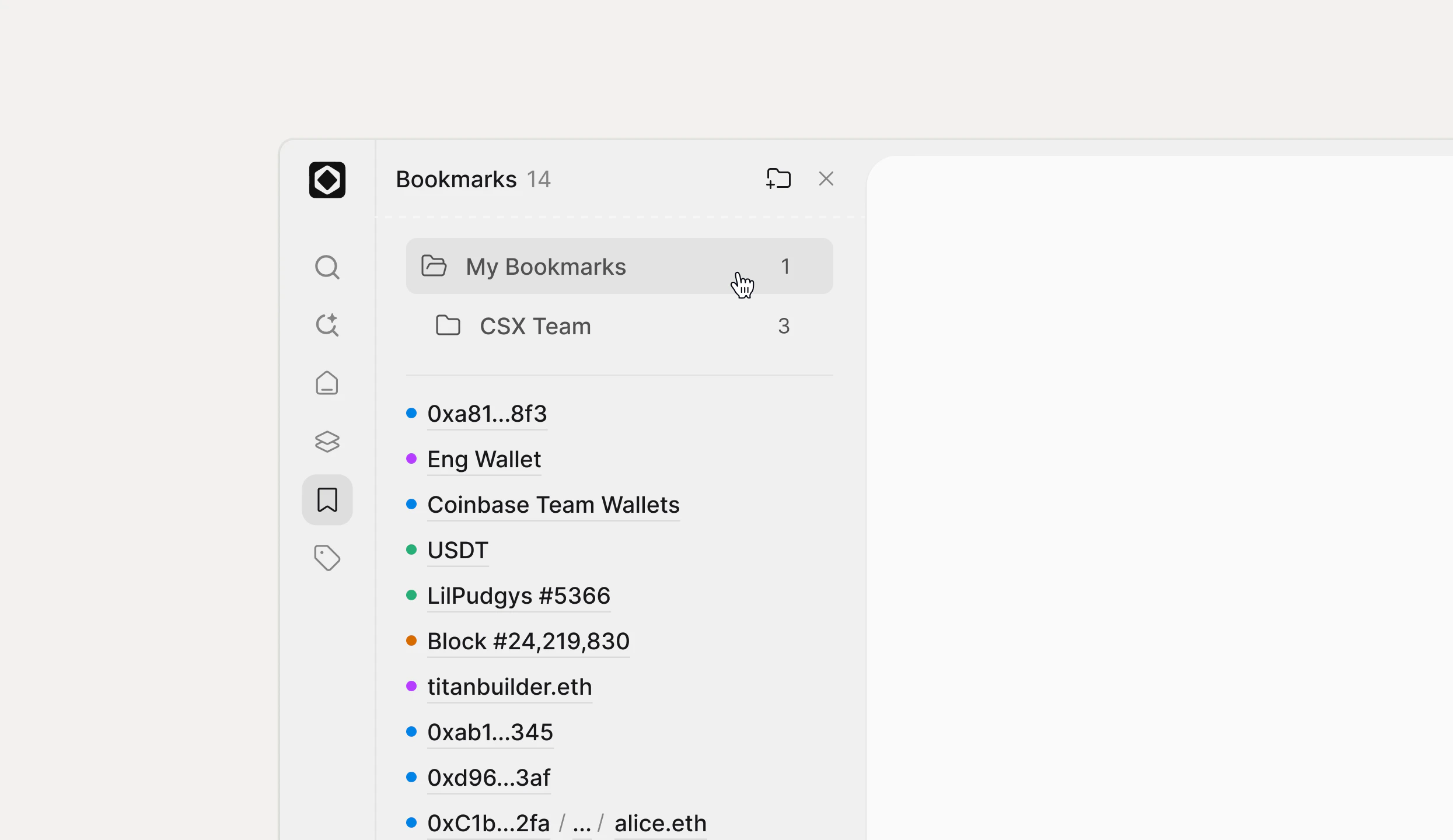
A bookmark is a shortcut to anything you investigate often—addresses, assets, transactions, views, or folders of related items. Bookmarks live in the Bookmarks section of the sidebar and give you a curated list of high‑value entities, separate from ad‑hoc searches. Each entry shows a colored dot and label, such as “PENGU,” “USDT,” or “jaredfromsubway.eth,” so you can quickly recognize what you saved.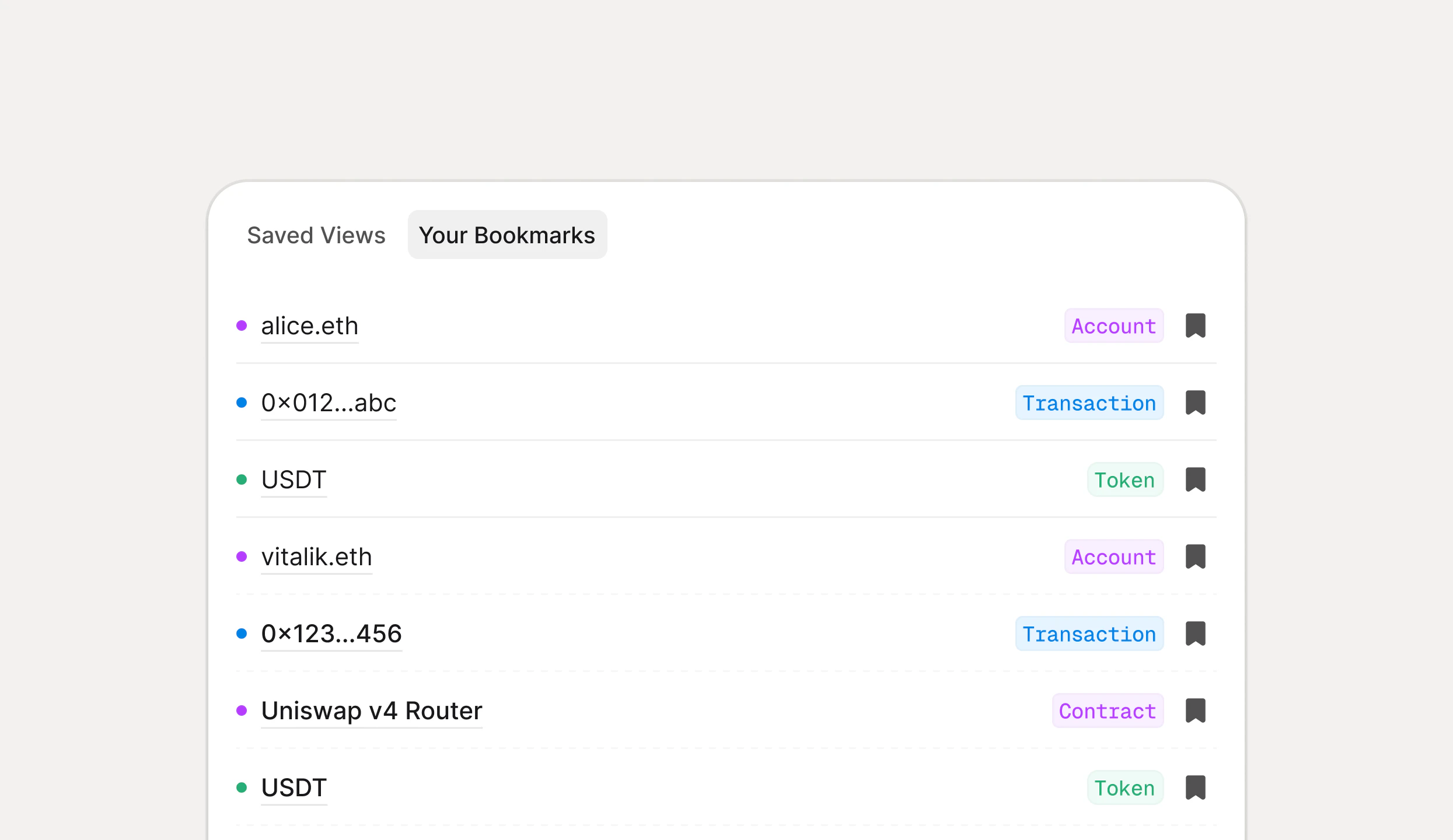
Creating and organizing bookmarks
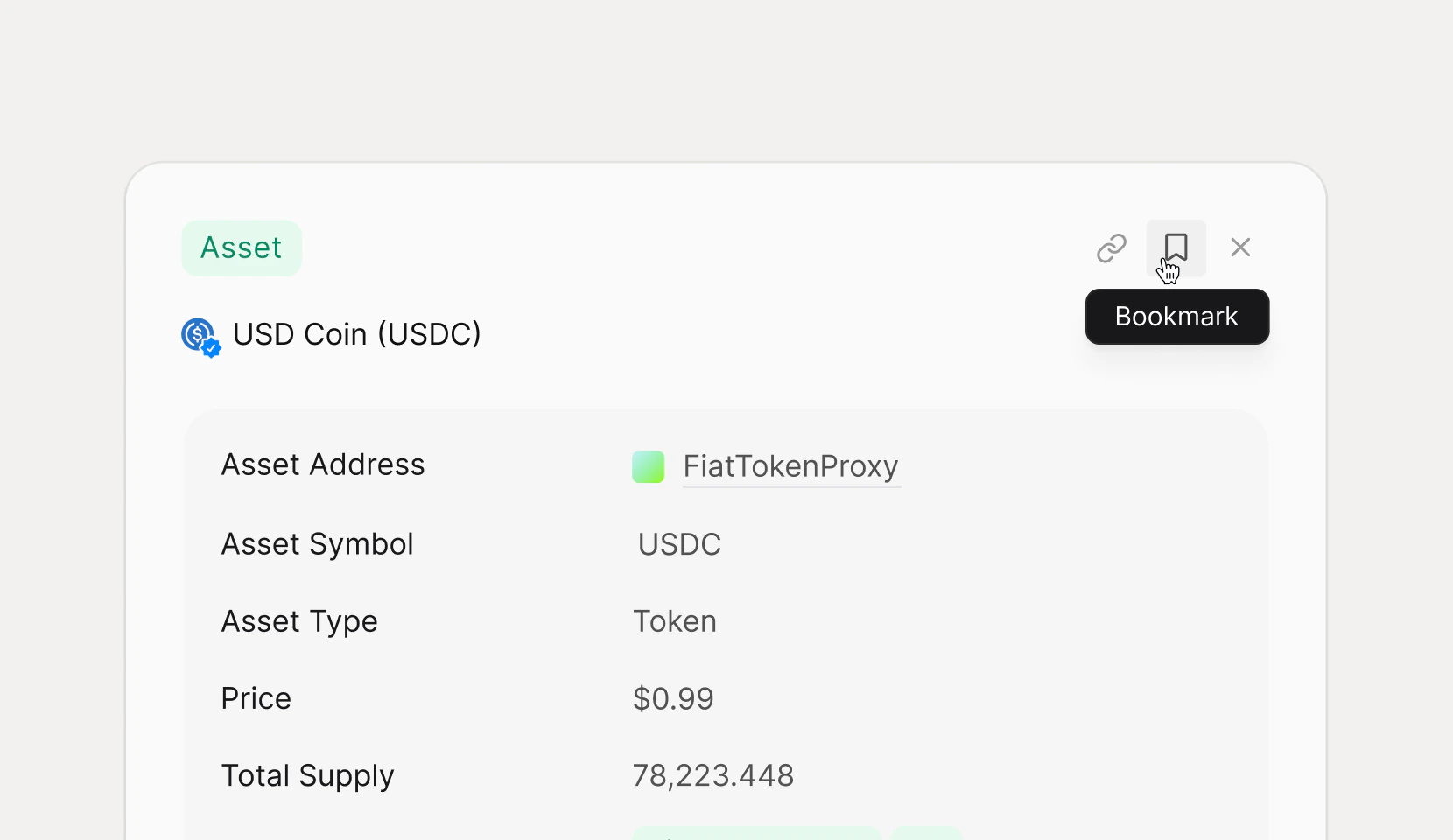
You can bookmark items from detail pages, tables, or other parts of Rover using the bookmark icon or context actions. Once bookmarked, the item appears in the sidebar list, where you can:- Drag and drop to reorder bookmarks within a folder.
- Create folders (for example, “Sophia’s Folder”) to group related entities like wallets you monitor or assets you trade.
- Mix different entity types in a single folder so your investigation workspace mirrors how your team actually works.
Using bookmarks in daily workflows
Bookmarks are designed for speed during investigations and monitoring.- Click any bookmark to open its detail page or associated view in the main panel.
- Use bookmarks as a starting point when building searches—open a bookmarked address, copy its label or address, and drop it into the CMD‑K terminal.
- Combine bookmarks with views and labels so your most important wallets, contracts, and assets are always at your fingertips.