

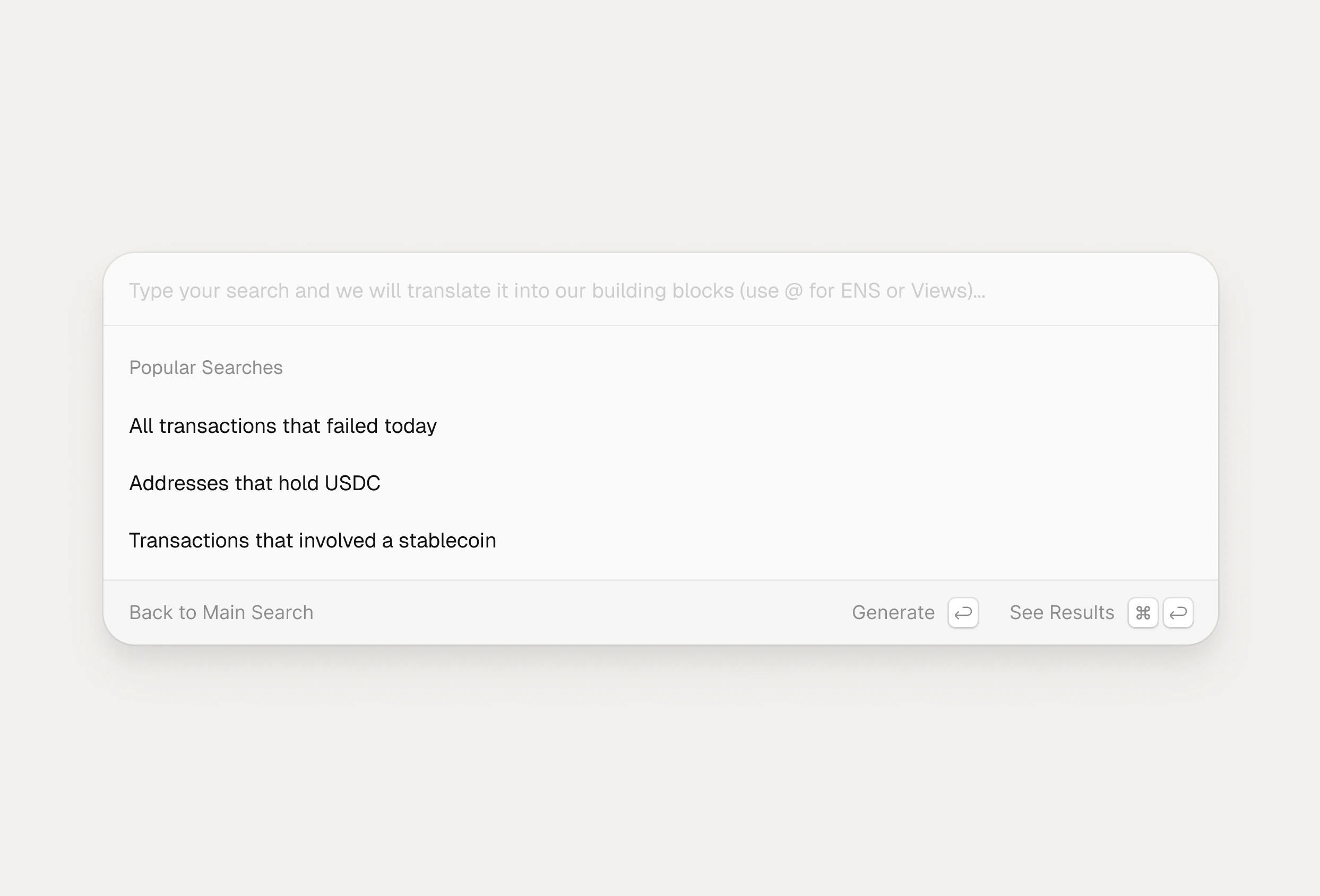
What semantic search does
When the semantic search toggle is on, the terminal interprets your free‑form text and builds the corresponding legos for you. It understands entities like ENS names, token symbols, function selectors, addresses, blocks, and views, then snaps them into the right filters with appropriate operators and value types. Instead of manually assemblingTransaction Fee | is at or above | 0.01 ETH, you can type “transactions with fees above 0.01 ETH,” and semantic search generates the filters needed to match that intent.
Working with on‑chain entities
Semantic search recognizes common on‑chain identifiers and metadata to speed up query construction.- ENS names with autocomplete and resolution, so typing “vitalik” suggests
vitalik.ethand resolves the address. - Popular tokens from the canonical token registry (stablecoins, wrapped tokens, DeFi, meme, and exchange tokens), so “USDC transactions” becomes an
Asset | is | USDCfilter with the correct logo and address. - Function selectors and names, so phrases like “transactions calling function 0xa9059cbb,” “function equals transfer,” or “function contains swap” become function filters in the Transactions category.
Smarter filters, ranges, and logic
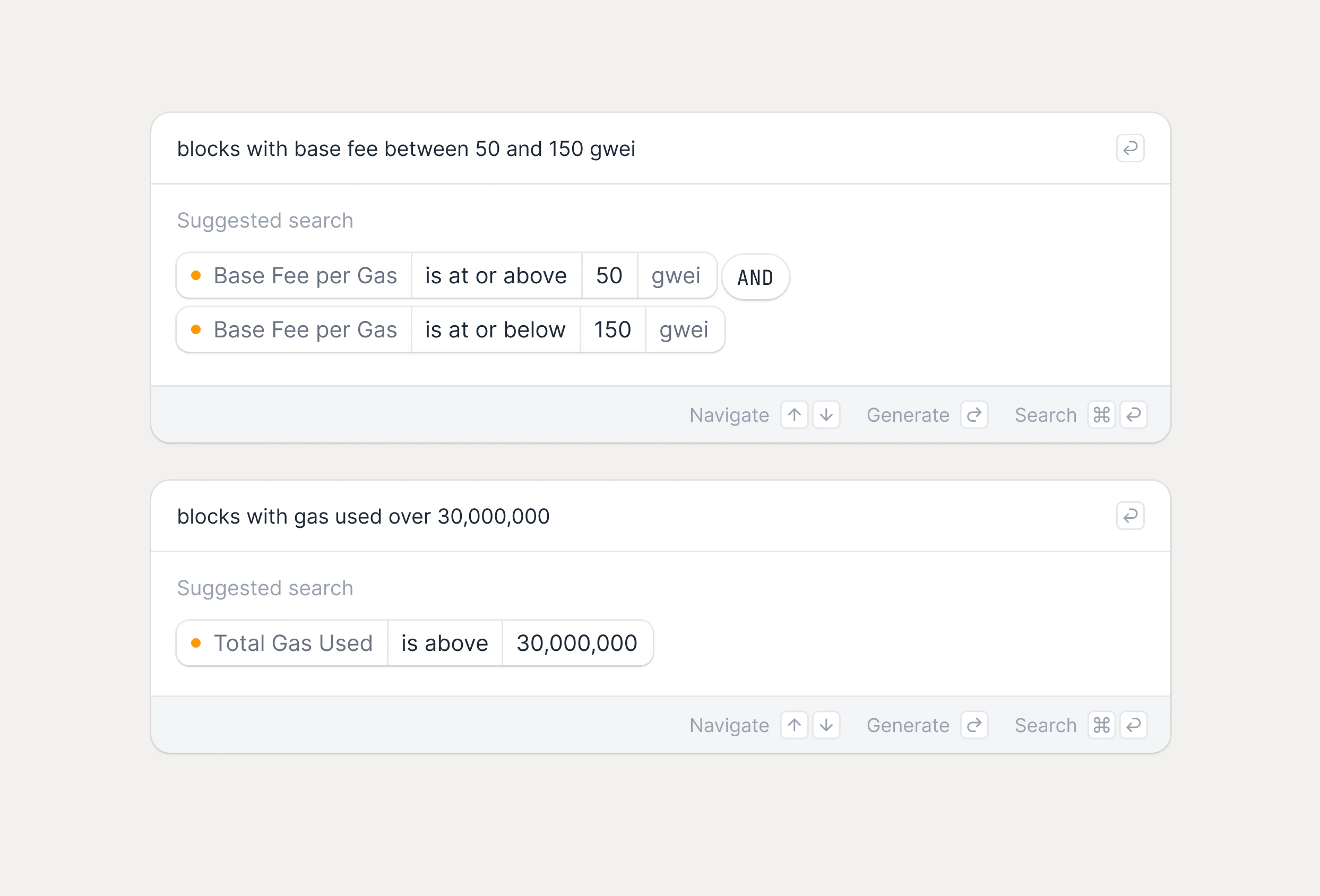
Semantic search can infer comparison operators, numeric ranges, and boolean logic directly from your wording.- Range phrases such as “blocks with base fee between 50 and 150 gwei” are turned into two filters: one “at or above” 50 and one “at or below” 150.
- Queries like “blocks with miner reward above 2 ETH,” “blocks with gas used over 30,000,000,” or “blocks with over 200 transactions” map to greater‑than filters on the correct block fields.
- Statements such as “USDC transactions but NOT from 0x123…” or “(failed or value above 10 ETH) and gas below 30 gwei” are turned into grouped logic using AND, OR, and NOT.
Using @ for views and ENS
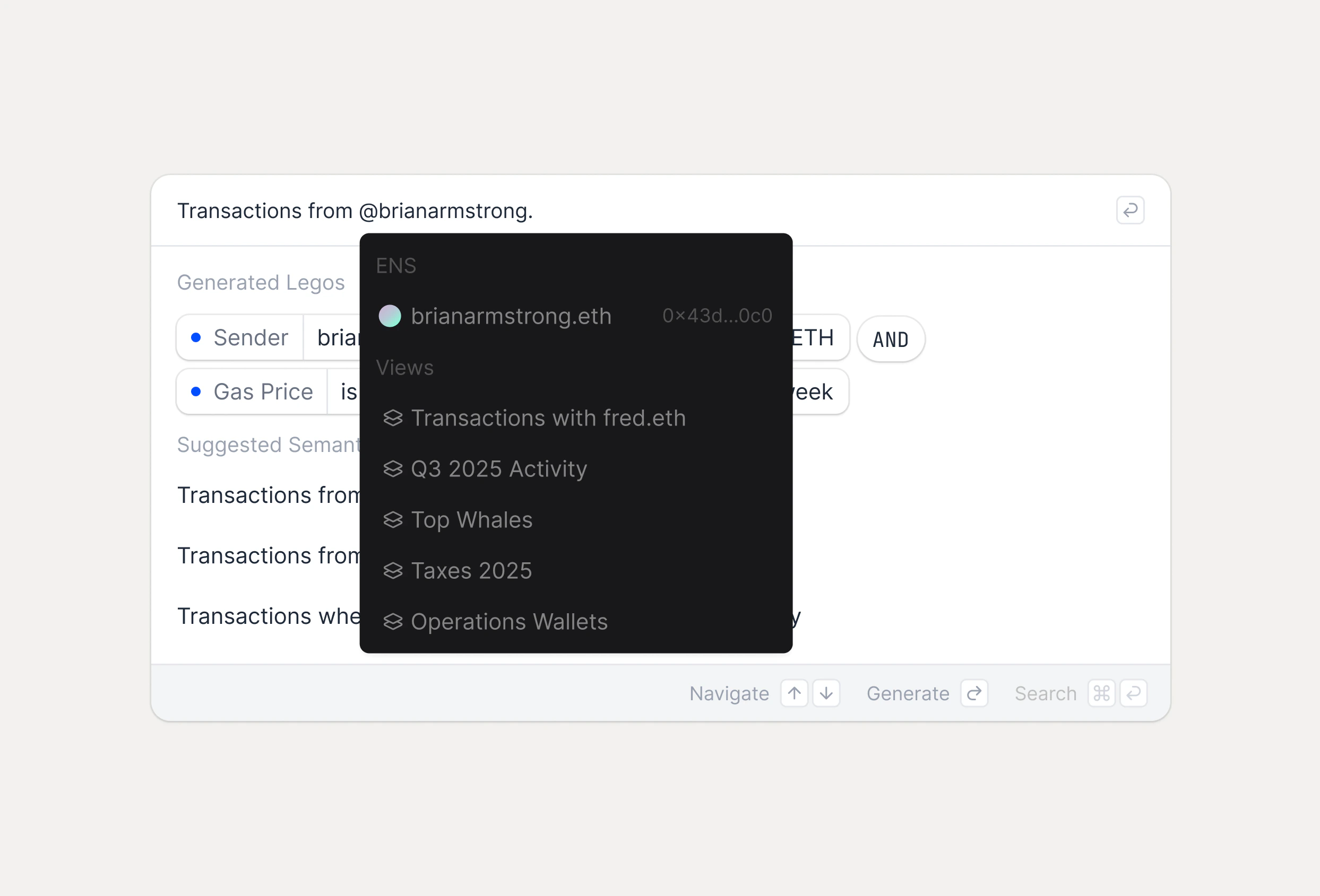
The @ symbol provides a fast way to reference views and ENS names in your query.- Type
@to search for and insert a view as input to a building block, such asParticipants @Engineering Wallets, instead of listing individual addresses. - Type
@followed by an ENS name, like@vitalik.eth, to resolve and reference that address directly in your filters.
Example queries
Semantic search supports both simple and complex patterns. Transaction filters- “Transactions from 0xd8da6bf26964af9d7eed9e03e53415d37aa96045.”
- “Show transactions to 0xd8da6bf26964af9d7eed9e03e53415d37aa96045.”
- “Get transactions sent by 0x742d35Cc6634C0532925a3b844Bc9e59….”
- “Get transactions received by 0x742d35Cc6634C0532925a3b844Bc9e59….”
From, To, or Participants filters set to the specified address.
Address + balance with views
- “Find addresses from Metamask view with balance over $10,000.”
- “Show Metamask addresses with balance above $5,000.”
- “Get addresses from Metamask Swap view with balance exceeding $1,000.”
- “Addresses in Metamask view with more than $50,000.”