

Table type
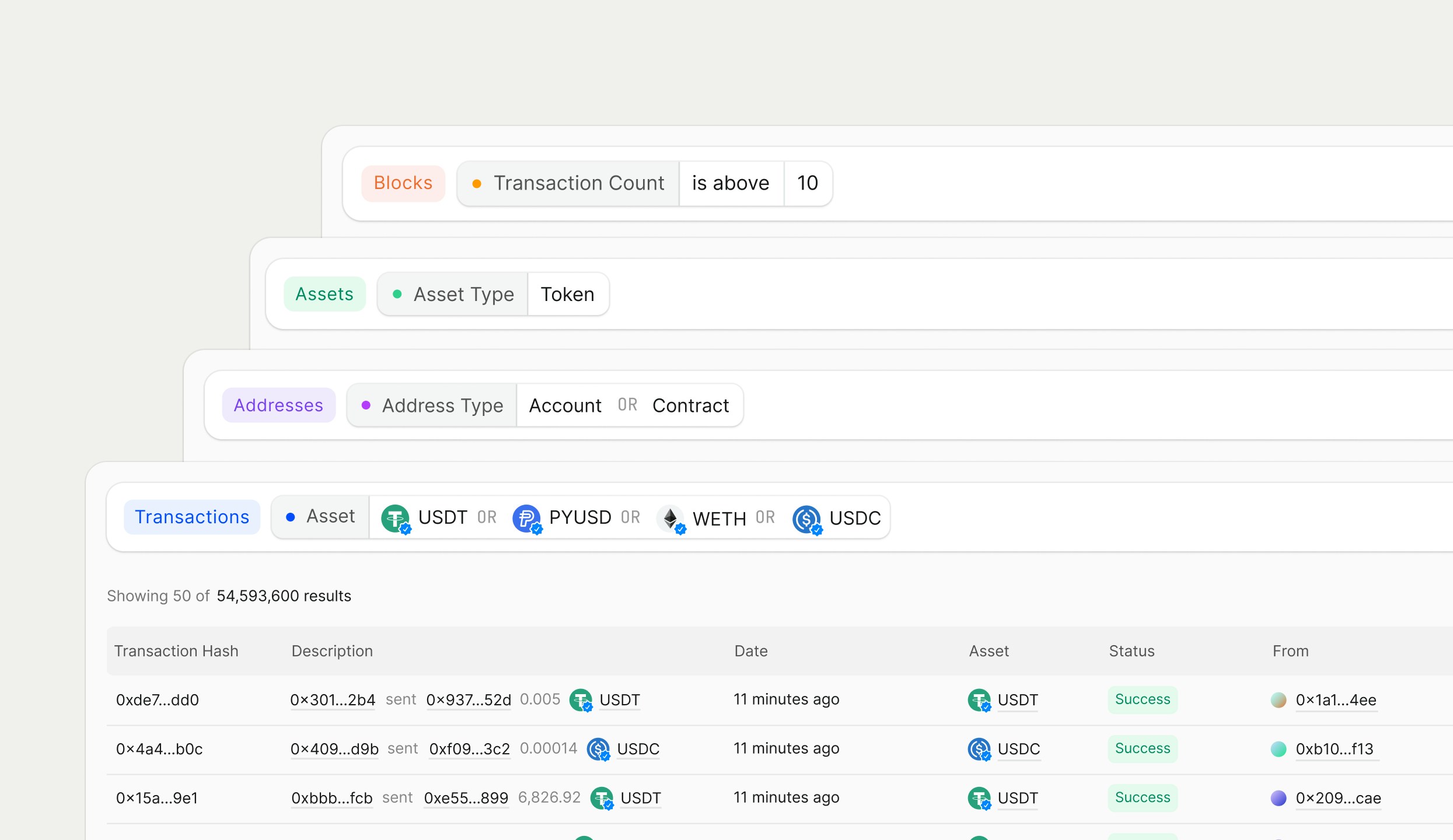
There are four different table types in Rover. Depending on your query, you will get back a specific type of table results:Table
Description
Transactions Table
A list of transactions.
Addresses Table
A list of addresses, including accounts and smart contracts.
Assets Table
A list of assets, including tokens and NFTs.
Blocks Table
A list of blocks.
Default properties
Each table has different default properties that will appear as columns. All of the tables have the same design—the only difference is the type of data you are looking at.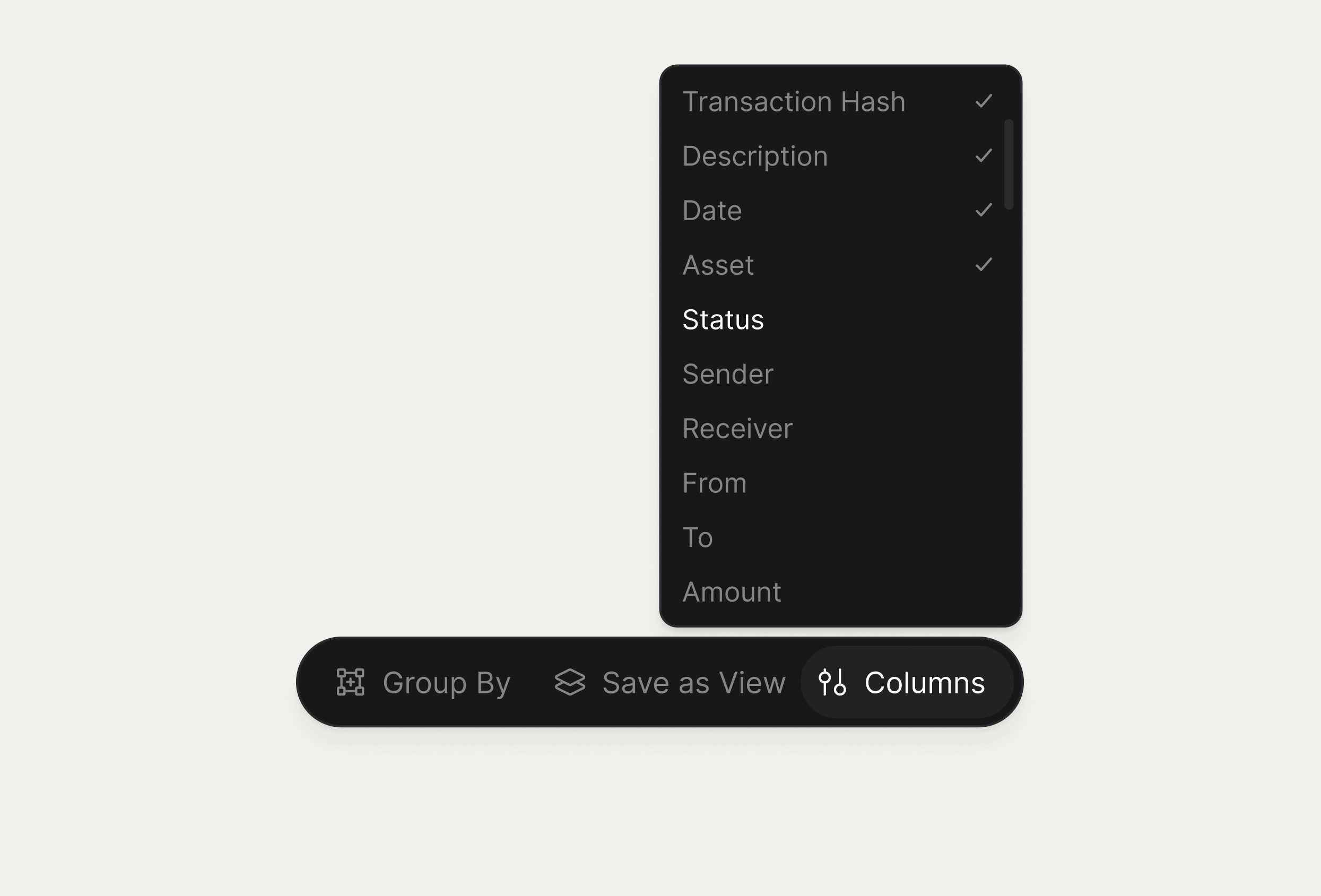
Manipulating tables
For any table, you can shrink or grow columns, move columns around, or use the action bar to manipulate the table.Sort
Using the action bar, you can use the dropdown menu to sort properties within the table.Some columns in these tables can’t be sorted. If you need a sortable property that isn’t available yet, let us know.