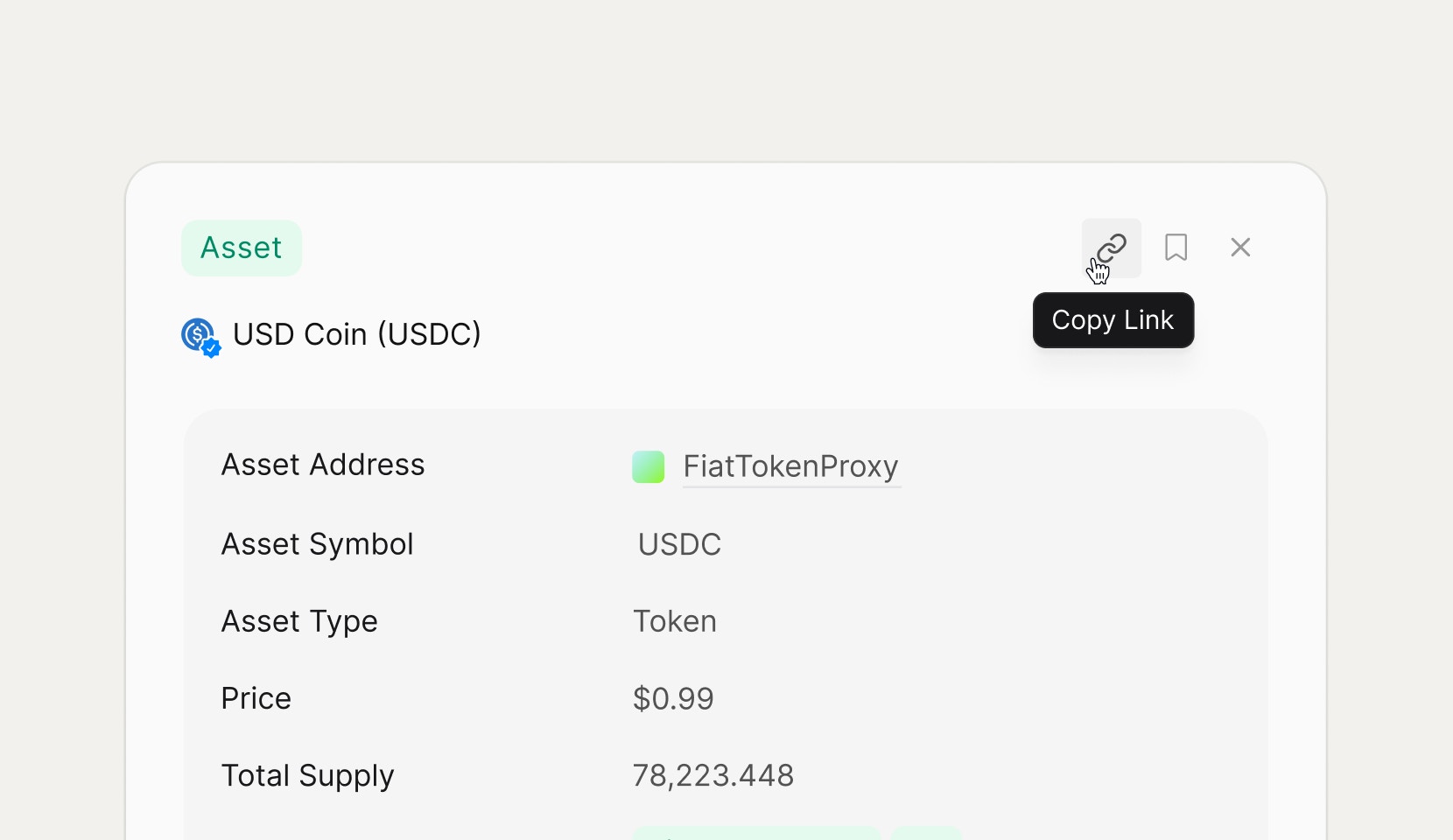
What you can share
Users can share three main types of links:- Views – any saved search on the Views page.
- Tables – any results table, including unsaved searches, via the page URL.
- Detail pages – any transaction, address, asset, NFT, or block detail page using the share control in the header.
Sharing views
From the Views page, use the row action menu or toolbar share option to open the share dialog for a specific view. Copy the link and send it to teammates; when they open it, they see the latest data for that saved search with the same filters and layout. Because views are saved searches, shared links always reflect real‑time chain data rather than a static snapshot.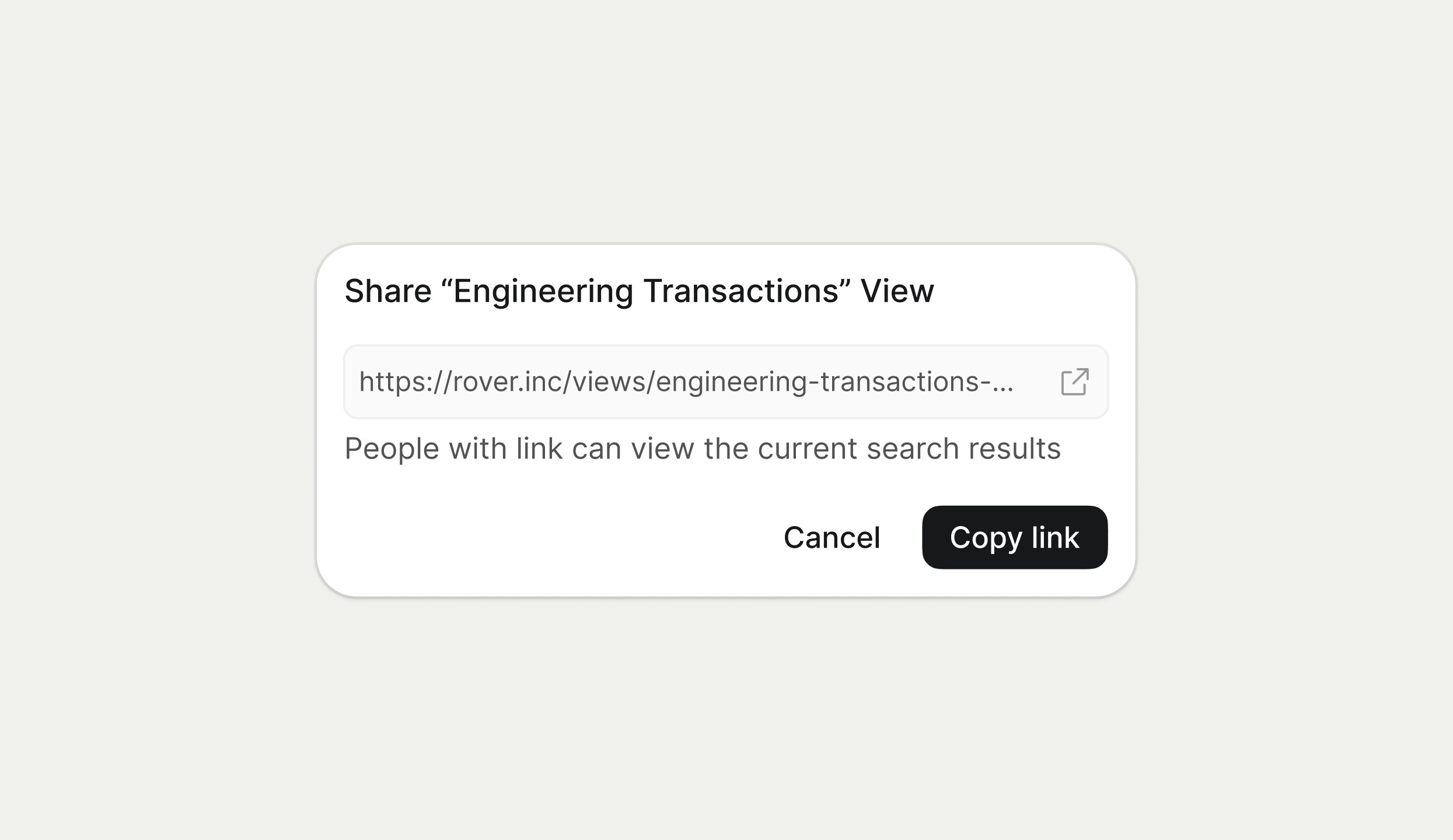
Sharing tables via URL
Any table in Rover, whether it comes from a saved view or an ad‑hoc CMD‑K search, can be shared simply by copying the URL from the browser. The URL encodes the current query, filters, and pagination so recipients see the same table configuration when they open it. This is useful for quickly sharing one‑off investigations without creating a full view.Sharing detail pages
Every detail page (such as an asset panel forUSD Coin) includes a share icon in the top‑right corner of the header. Clicking this icon copies a link that opens the same detail view, including properties, labels, and recent activity, so others can jump straight into the entity you are analyzing.
Sharing detail pages is ideal when you want teammates to focus on a specific wallet, contract, asset, or transaction without navigating through search first.