

What are labels?
A label is a short piece of metadata you attach to an address, such as “cbBTC,” “My Wallet,” or an ENS name. Labels turn anonymous addresses into recognizable entities and make it easier to understand who is involved in a transaction or view. Rover organizes labels into Private, Public, and Requests tabs so you can control who sees which annotations in your workspace.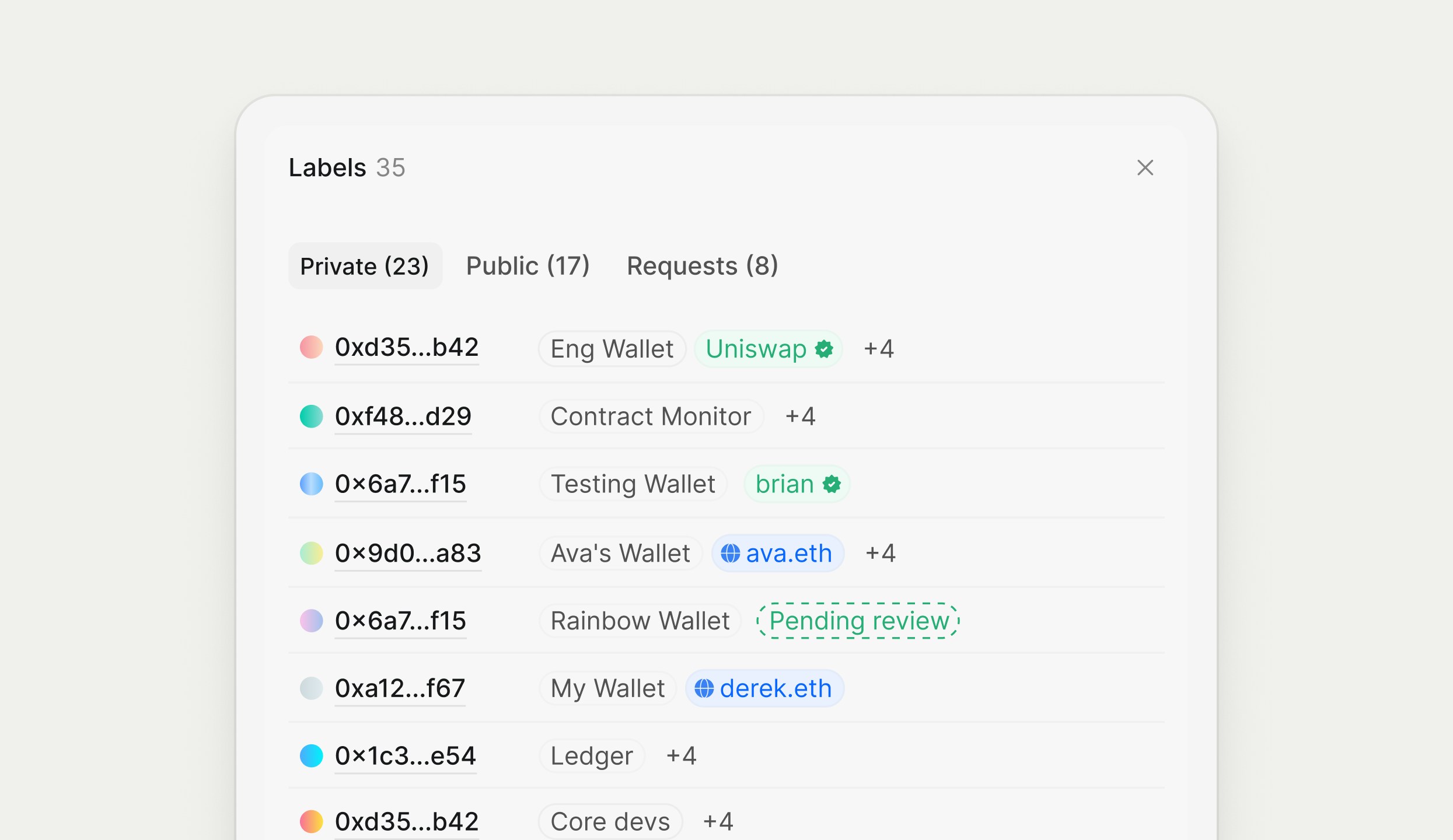
Private, public, and requested labels
- Private: Only you can see and use these labels. They are ideal for personal notes or experiments.
- Public: Shared across your workspace so everyone benefits from the same naming and tagging of important addresses.
- Requests: Proposed labels that are waiting for review or approval. The Rover team will review labels and approve accordingly to ensure accuracy.
We encourage people to submit labels as it improves the Rover experience for everyone. If a label is submitted, we will review it within 24 hours.
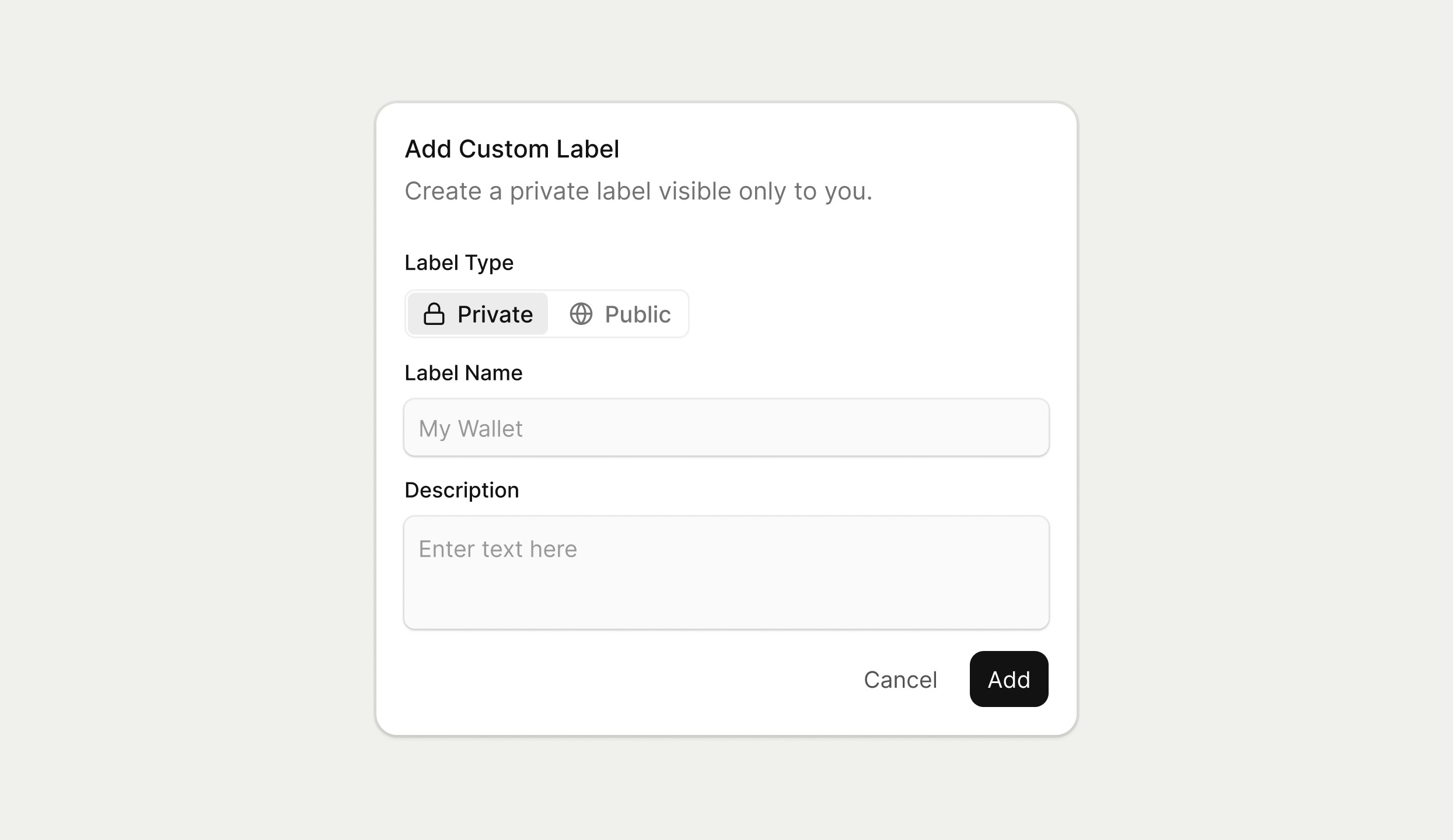
Creating and editing labels
You can create or edit labels from many places in Rover:- From an address detail page, add or update the label next to the address name.
- From the Labels panel, click into a row to edit the text or add an additional custom label chip.
Using labels in searches and views
Labels integrate tightly with the CMD‑K search terminal and tables.- Start typing a label name in the search terminal to quickly filter for transactions, addresses, or assets that carry that label.
- Use label‑aware building blocks (for example, participants or holders) to target groups of labeled addresses in your searches.
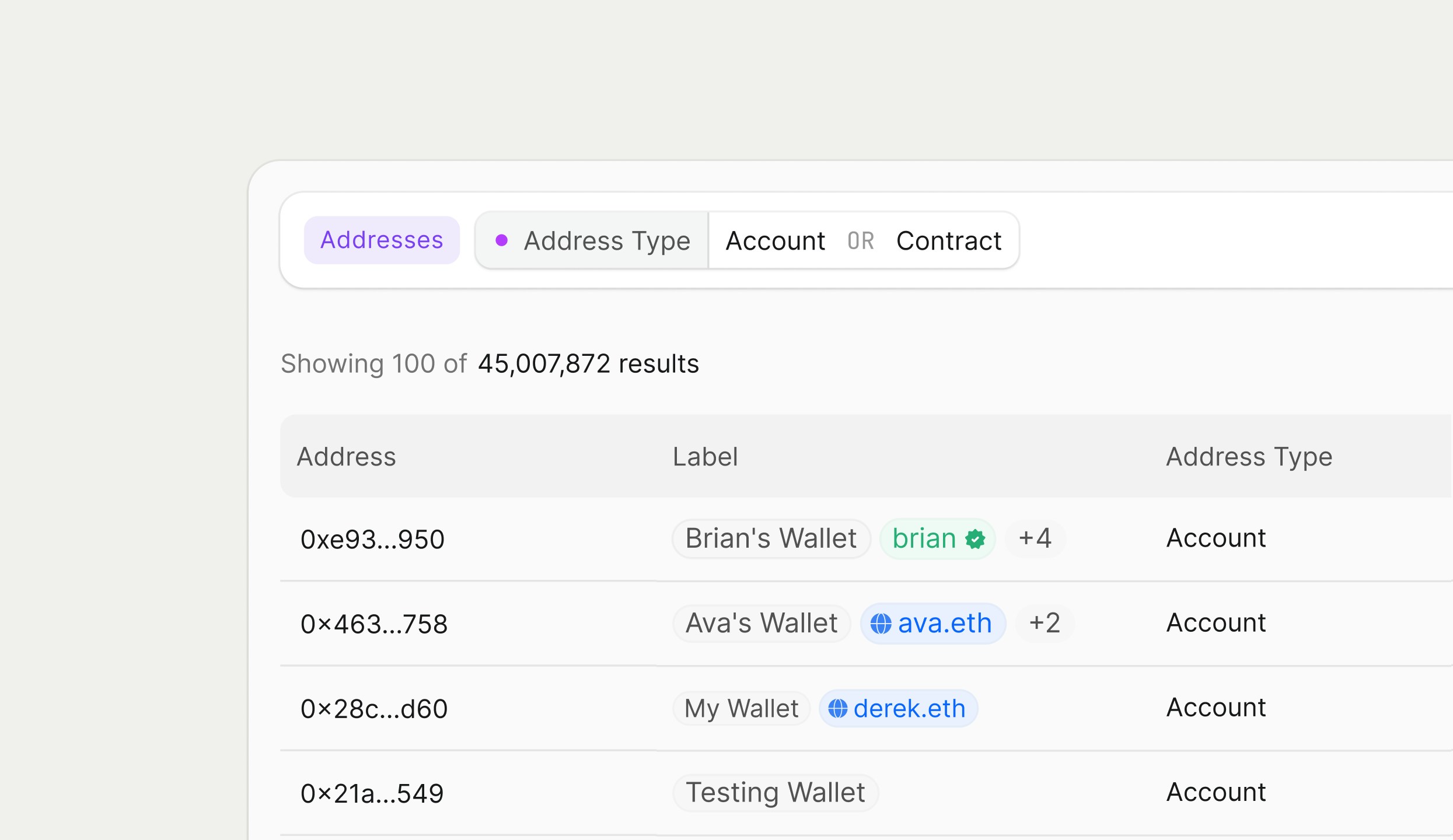
- In address tables, add label‑related columns so you can scan large tables and immediately see which rows belong to key counterparties.
Collaboration with labels
Labels act as a lightweight directory for your on‑chain counterparties. Teams can:- Standardize names for exchanges, custodians, internal wallets, and partners.
- Use public labels to align searching and reporting around the same set of entities.
- Track pending or proposed labels in the Requests tab before making them visible to everyone.