Overview
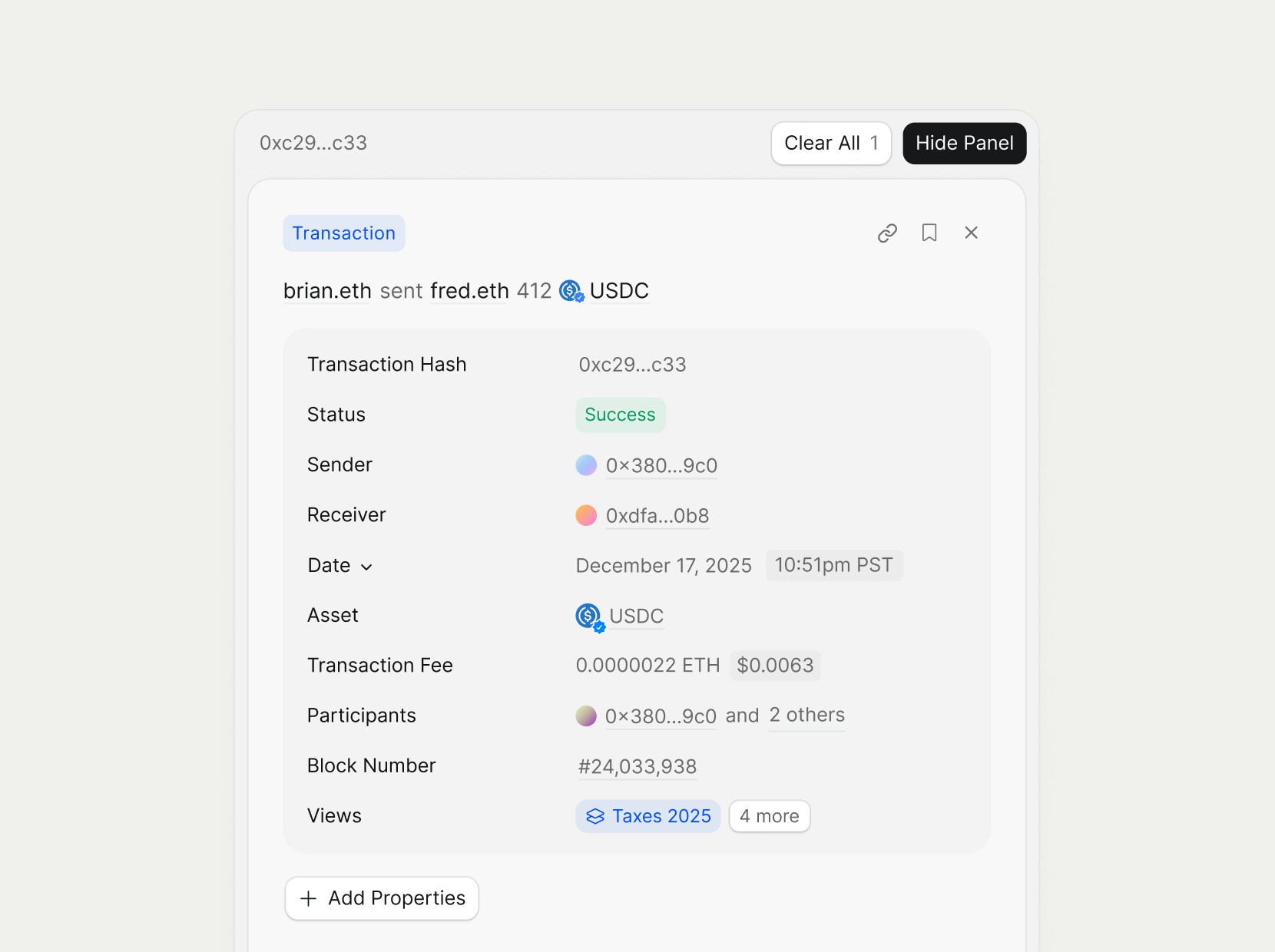
Rover’s transaction detail pages cover a rich amount of metadata to understand exactly what happened in a transaction.Properties
The properties area at the top of the transaction detail page will show you important metadata about the transaction. You can click the+ Add Properties button to see add or remove information from the detail page.
Transaction Summary
The Transaction Summary is generated by Rover’s own trained models on blockchain data, providing a human-readable explanation of what happened in the transaction, aggregating calls, events, and balance changes into a single narrative. It highlights the primary caller, the key contracts involved, and the overall outcome so you can understand complex flows without stepping through every low-level detail. Use this section to quickly answer questions like “What was this transaction trying to do?” and “Which contracts and tokens did it touch?”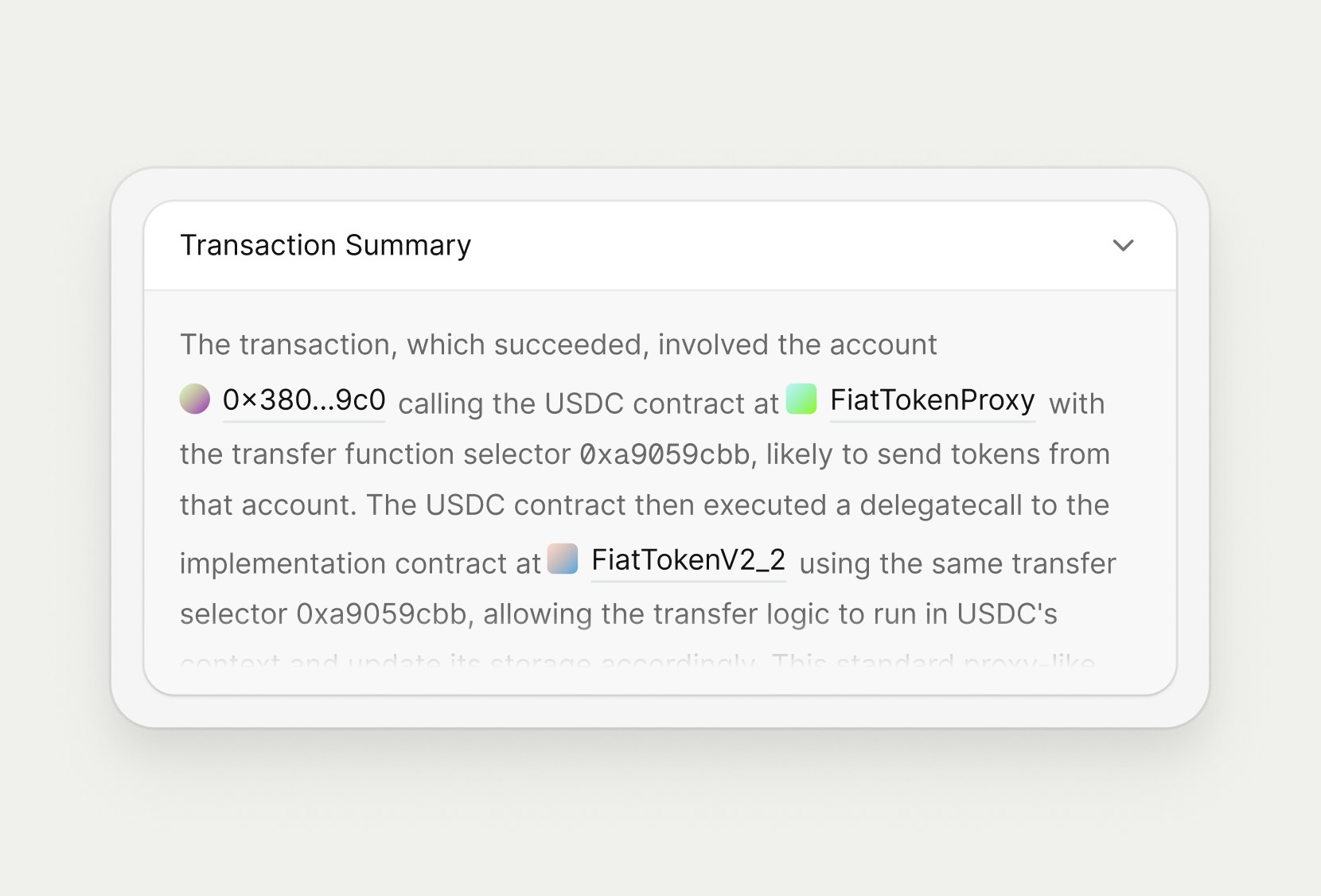
Asset Flow
The Asset Flow section summarizes the high-level movement of value within a transaction, showing who sent assets, who received them, and which fees were paid. It presents each leg of the flow as a natural-language sentence so you can understand the transaction at a glance, without parsing raw logs. Each row displays the sending account, the receiving account (if applicable), and the asset amount transferred or fee paid. Use this section to quickly answer questions like “Who paid whom?” and “What did this wallet spend on this transaction?”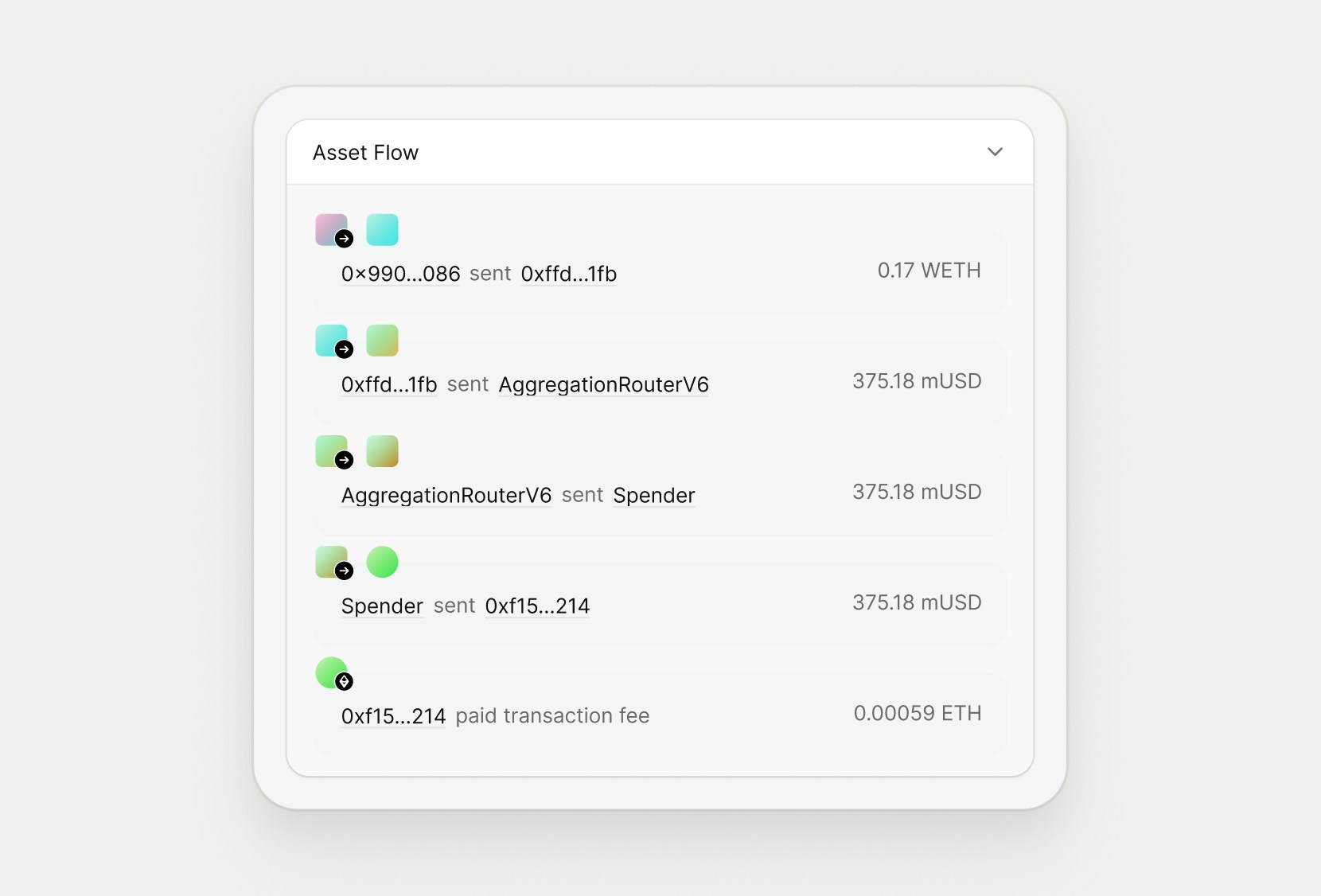
Asset Updates
The Asset Updates section breaks down how balances changed for each participant in the transaction. For every address involved, Rover lists the net change per asset, making it easy to verify debits, credits, and gas usage. Negative amounts indicate assets leaving an address (for example, a token transfer or gas payment), while positive amounts indicate assets received. This view is especially useful when debugging complex transactions or confirming that a transaction’s observed balance changes match expectations.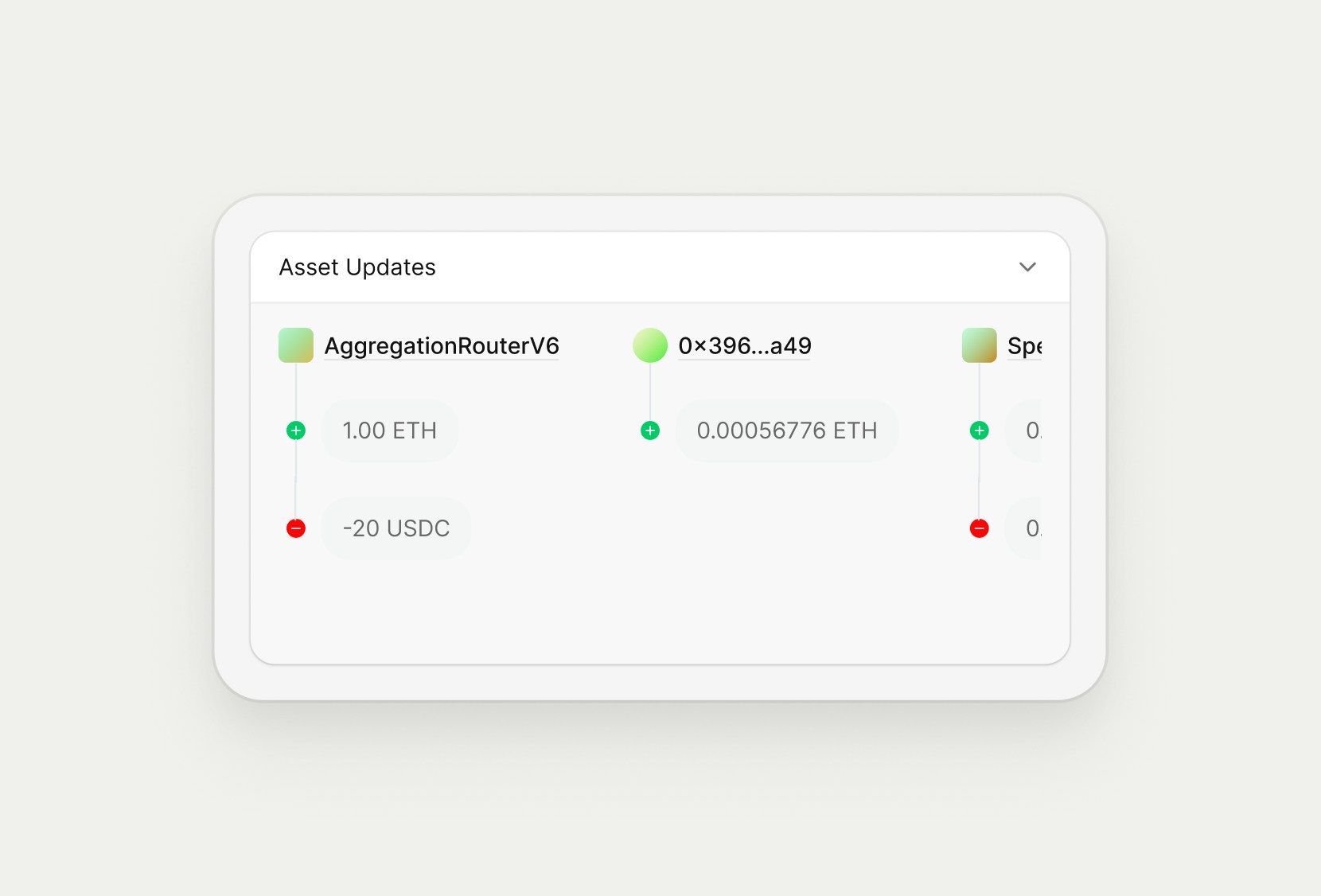
Subtransactions
The Subtransactions section breaks the transaction into its individual internal calls, showing how value and control moved between contracts over time. Each row represents a call between addresses, including who initiated it, which contract was called, and what assets (if any) were transferred. Expanding a subtransaction reveals additional detail, making it easier to trace multi-step interactions, debug routing flows, or understand how a router or aggregator executed a particular operation. Additioanlly, if you click into the hyperlink transaction hash, we have built dedicated subtransaction detail pages, which allow you to dive into the subtransaction in greater detail.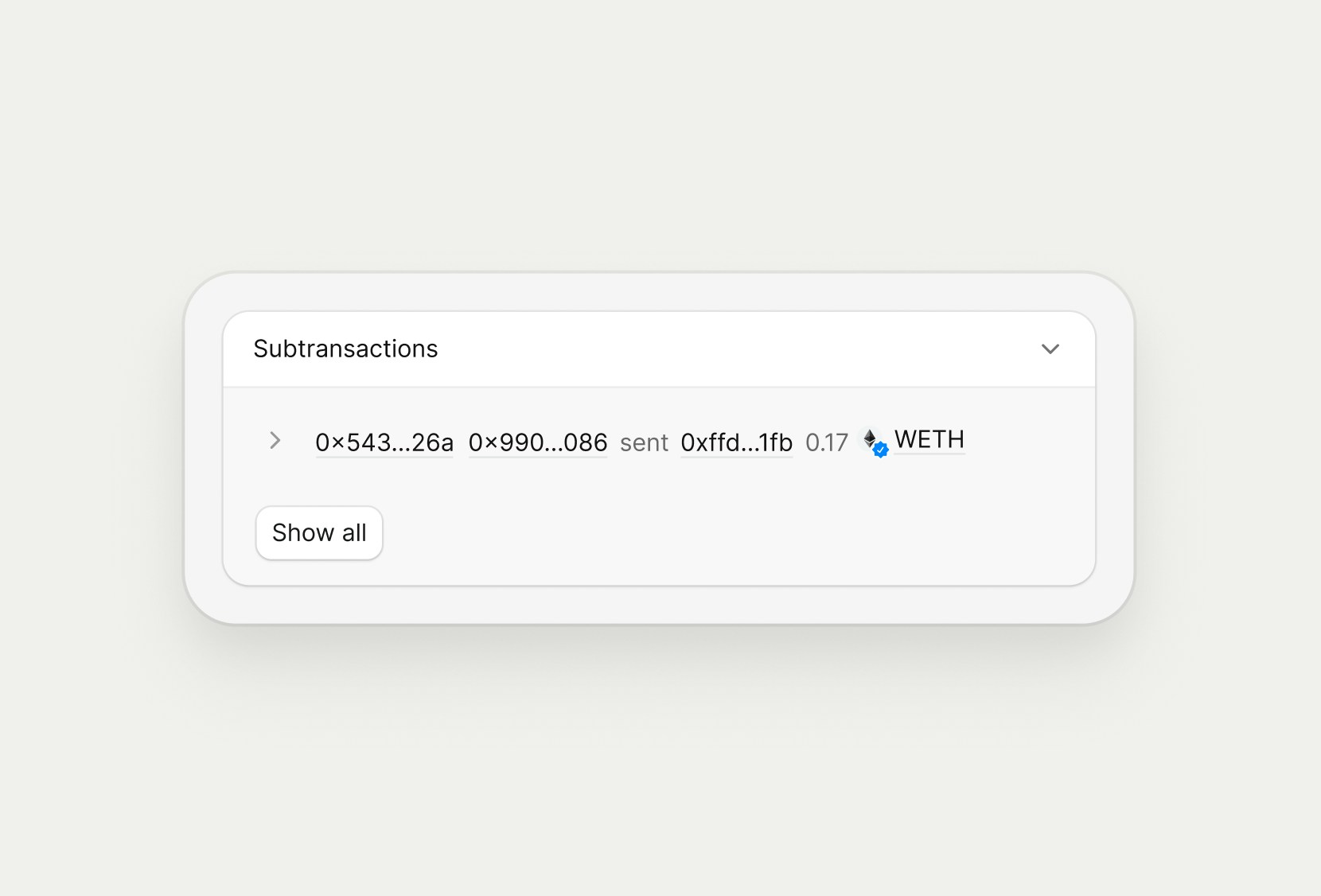
Events (Developer)
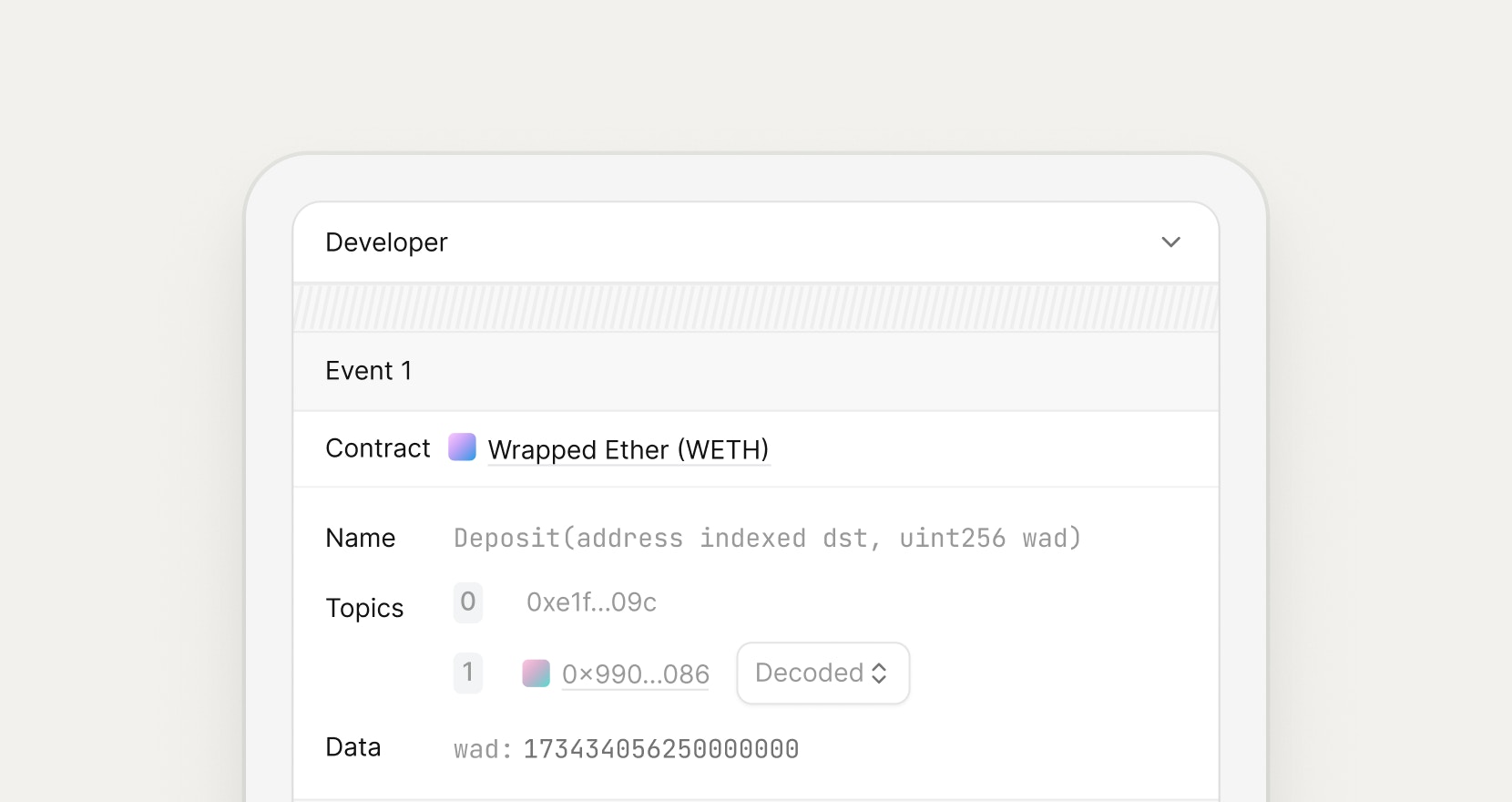
The Events section exposes the raw on-chain logs emitted during the transaction, decoded using the contract’s ABI where available. For each event, Rover shows the contract, event name, topics, and decoded parameters so you can inspect the exact data emitted on-chain. This view is designed for developers who need to validate protocol behavior, confirm integration expectations, or debug unexpected outcomes at the log level.