Page purpose
Use the Block Detail Page when you need to answer “what happened in this block, who produced it, and which transactions were included?”. It follows the same layout as other Rover detail pages so you can quickly pivot between blocks, transactions, addresses, and assets without changing context.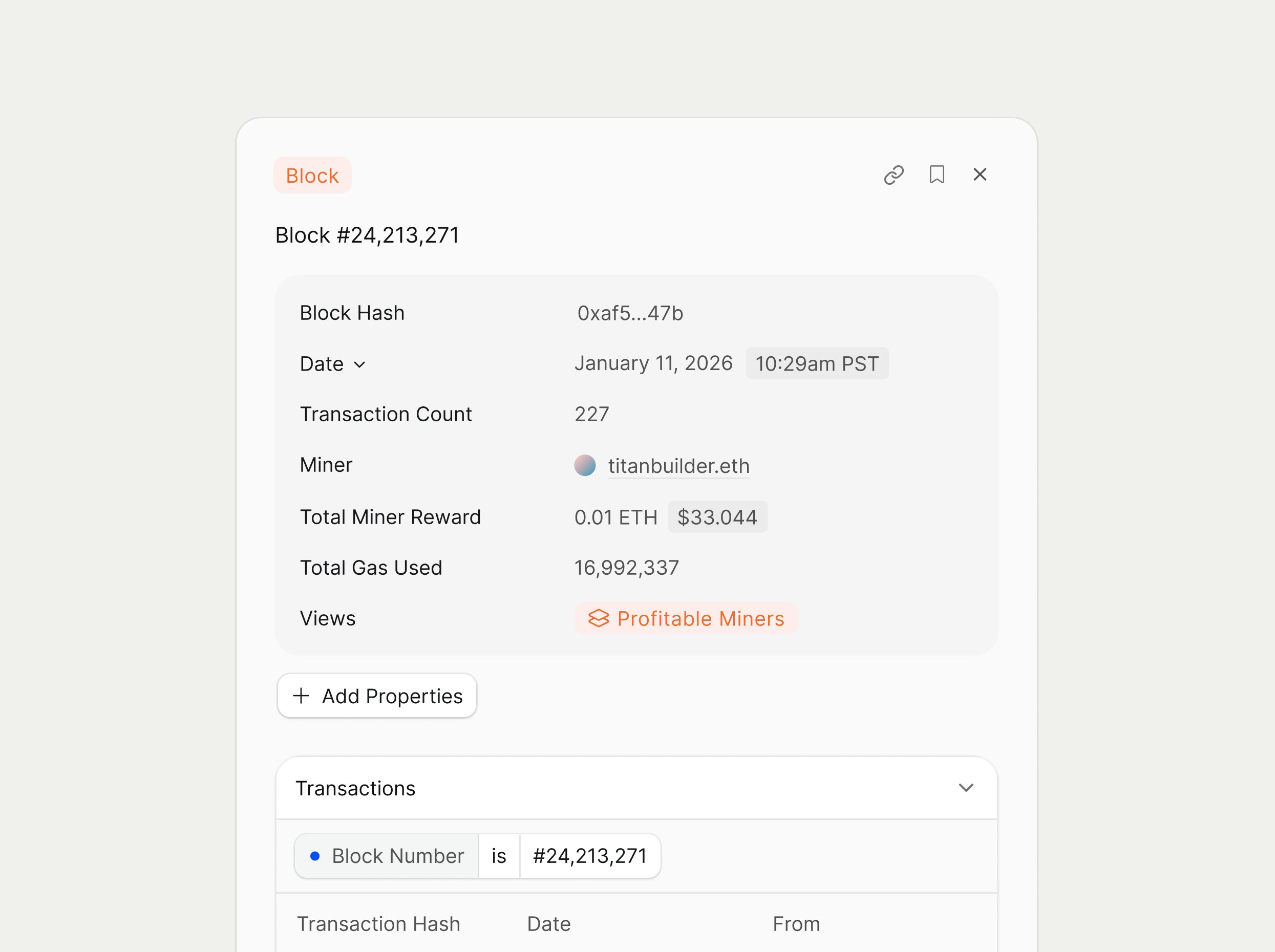
Header and core metadata
At the top, the page shows the Block label (for example, “Block #24,213,271”) and a badge indicating that this entity is a Block. The properties show metadata such as:- Block Hash
- Date
- Transaction Count: the total number of transactions included in the block.
+ Add Properties button to see add or remove information from the detail page.
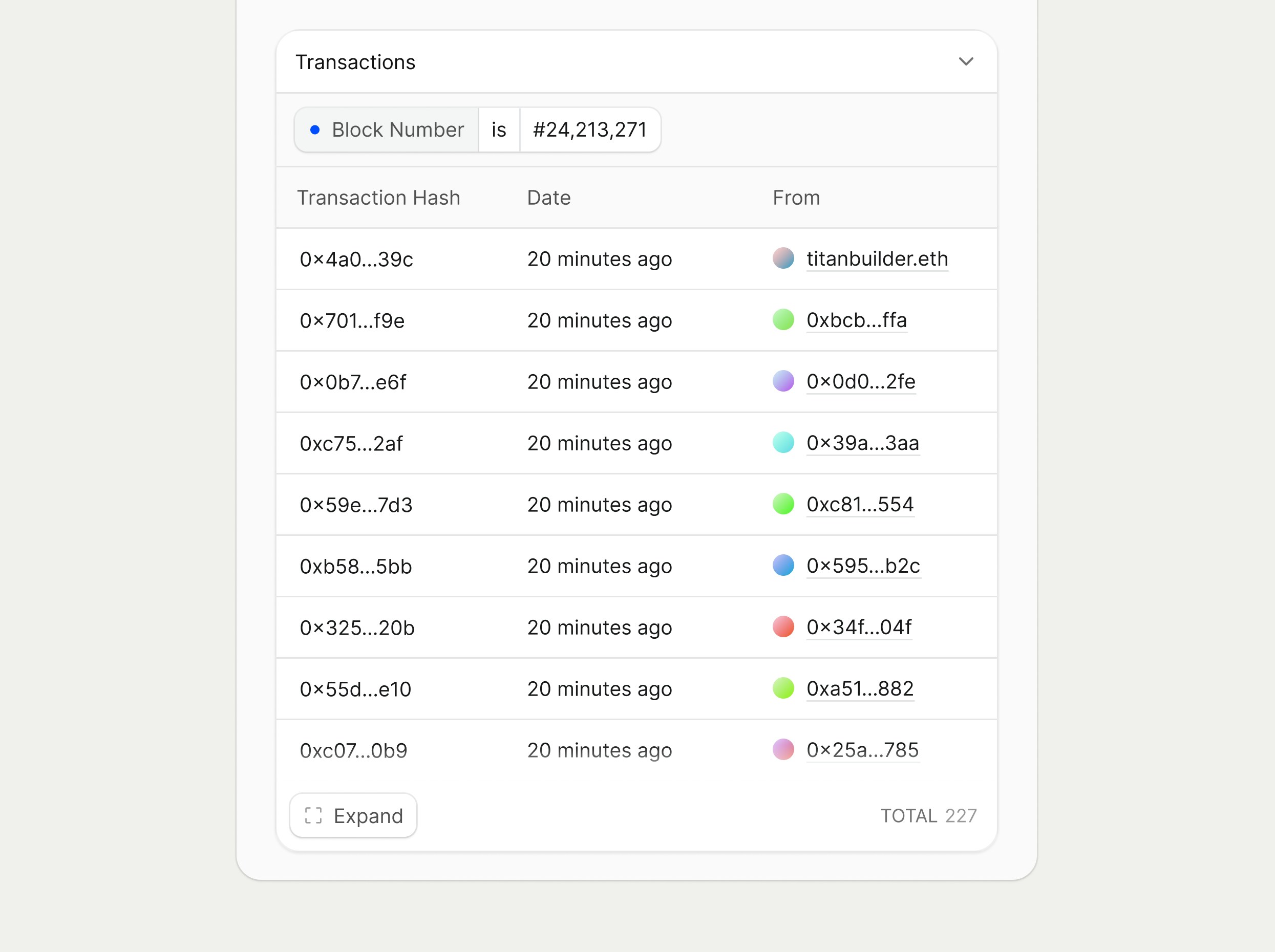
Transactions section
The Transactions section lists every transaction included in the block.